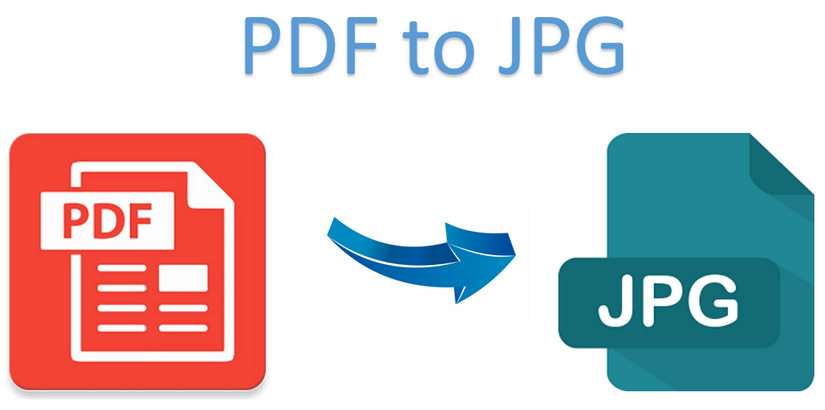
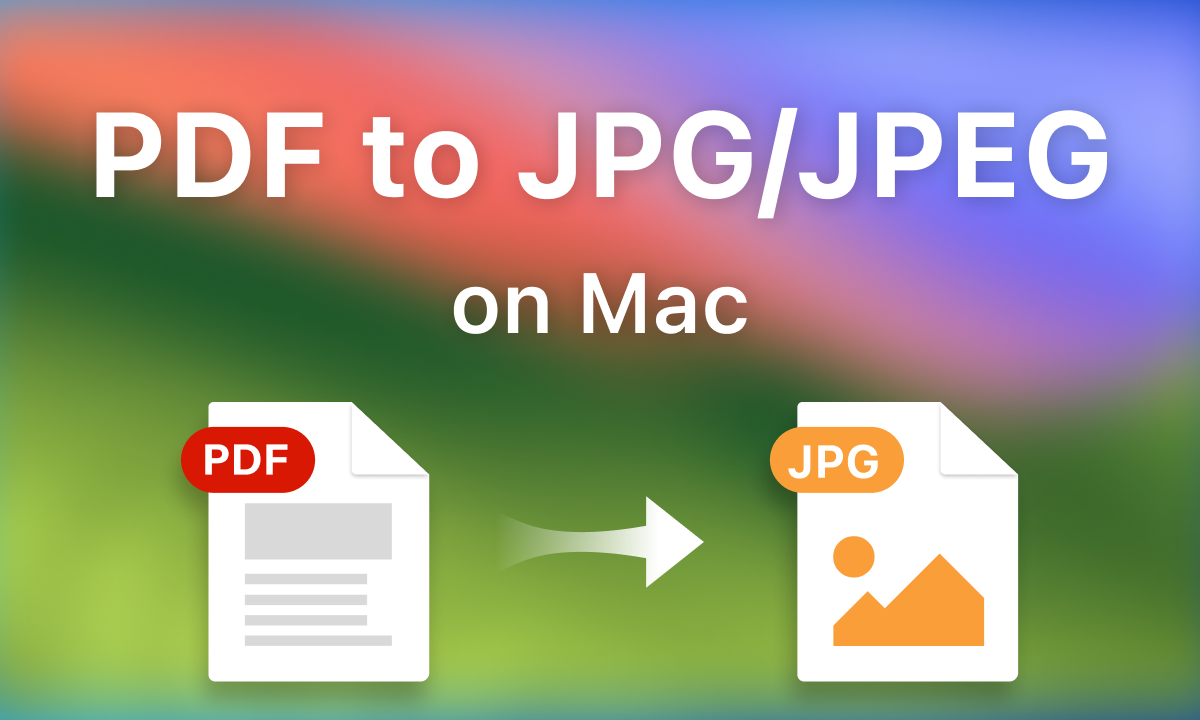
Need to convert PDF to JPG online for quick sharing, uploads, or presentations? This free PDF to JPG converter lets you turn any PDF page into crisp, high-quality images without installing software. Upload your PDF, choose JPG or PNG, adjust image quality and DPI, then convert and download instantly.
Whether you’re preparing documents for a website, creating visuals for social media, or extracting a single page for fast sharing, this PDF to JPG online tool makes the process simple and efficient.
Drag & drop your file or browse to select it (PDF only, max 10 MB).
Select JPG for smaller file sizes or PNG for maximum clarity and sharp text.
Fine-tune output using DPI presets:
72 / 150 / 300 / 600 — perfect for web, sharing, or print.
Convert:
All pages
A custom page range
A single PDF page
Add page numbers as a watermark and download multiple images in one ZIP file.
Click convert and instantly download your JPG or PNG images.
Using a PDF to JPG online converter makes your content easier to use across platforms that don’t support PDFs well. Common use cases include:
Sharing individual pages without sending the full PDF
Uploading documents to websites or forms that accept images only
Creating thumbnails and previews for listings or portfolios
Inserting pages into PowerPoint or Google Slides
Posting PDF content to social media as images
For more file-handling tips, check out:
Convert PDFs into JPG or PNG images depending on your workflow and quality needs.
Adjust compression to balance sharpness and file size—great for web uploads or print-ready images.
72 DPI – screen viewing & previews
150 DPI – standard clarity
300 DPI – high-quality text & graphics
600 DPI – ultra-sharp output
Convert all pages, a specific range, or just one page from your PDF.
Add page numbers and export multiple images in a single ZIP archive.
No sign-up, no hidden fees—just a fast way to convert PDF to JPG online.
JPG
Smaller file sizes
Best for sharing, email, websites
PNG
Maximum clarity
Ideal for text, diagrams, screenshots
Pro Tip:
If your PDF contains small text, increasing DPI improves readability more than maxing out image quality.
Upload your PDF, choose JPG or PNG, select your pages, and convert PDF to JPG online in just a few clicks—fast, free, and hassle-free.